Free GTA 6 inspired FiveM car HUD.
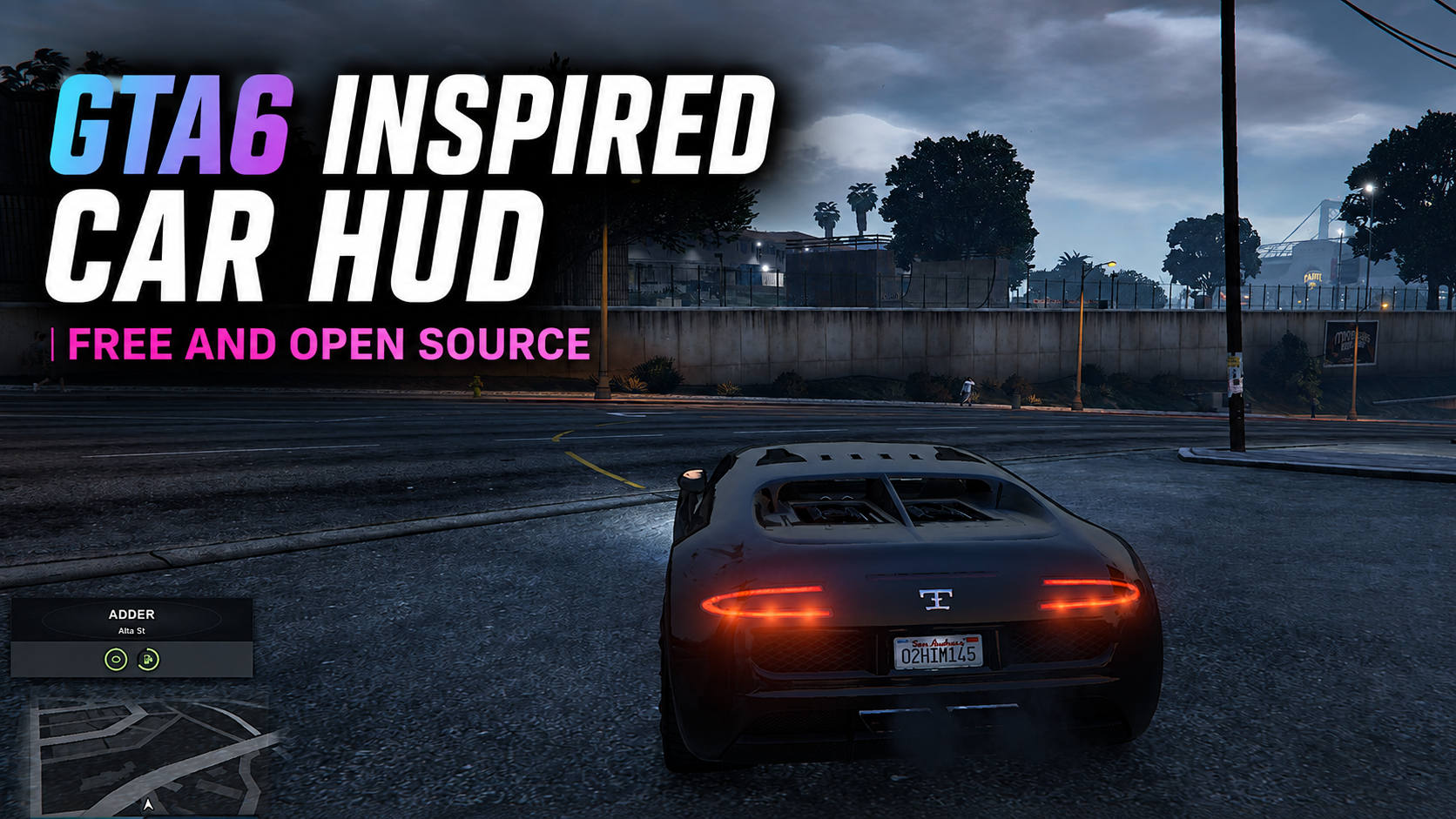
fivemshop-carhud is a free open source GTA 6 style vehicle HUD from The FiveM Shop. Enter a car to see the name and street, then keep a clean engine and fuel display above the minimap on QBCore, Qbox, ESX, and standalone servers.
About this GTA 6 inspired FiveM car HUD
fivemshop-carhud is a free open source FiveM car HUD made by The FiveM Shop. It is built for server owners who want a GTA 6 inspired UI without a bulky speedometer covering the screen.
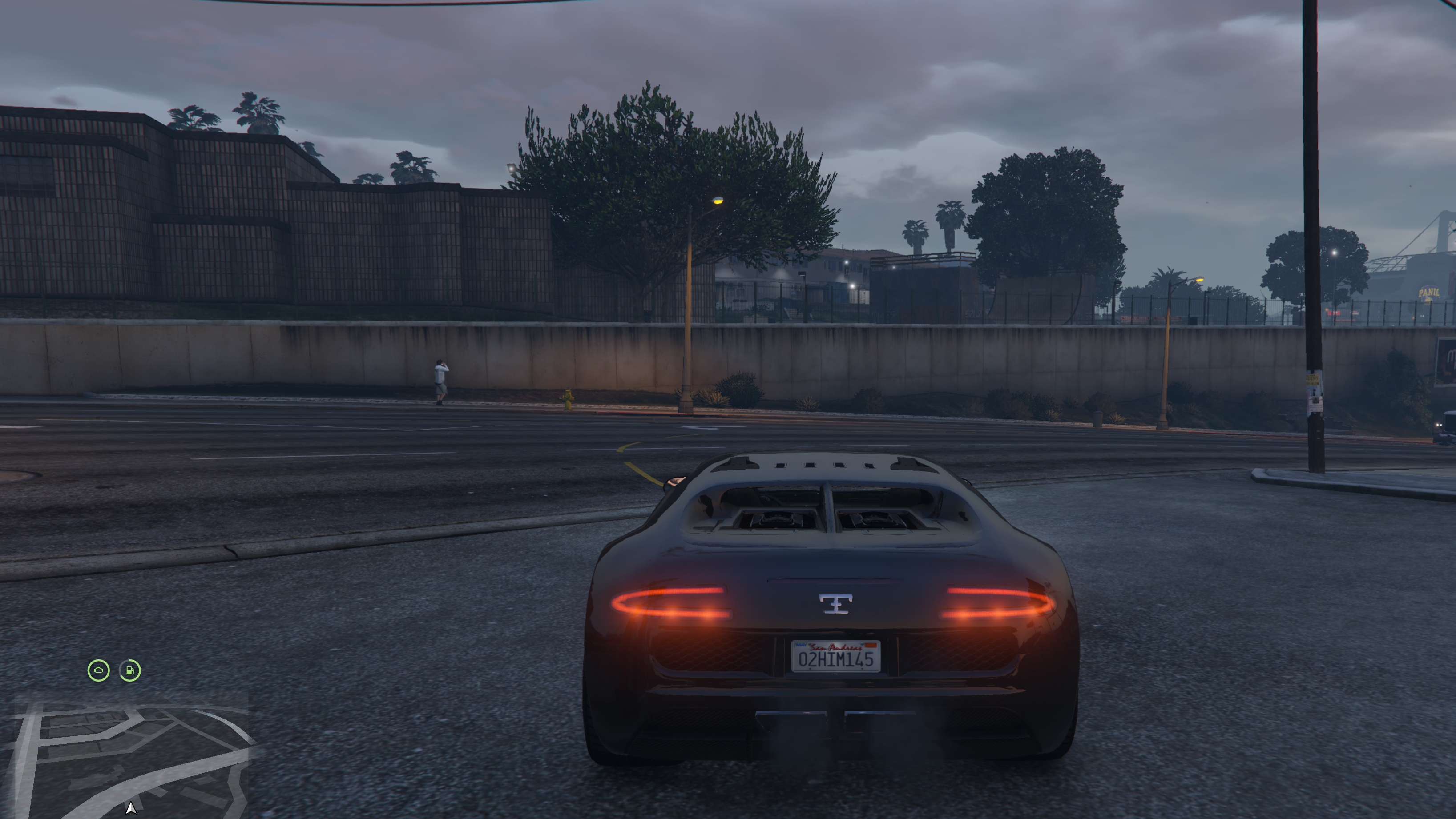
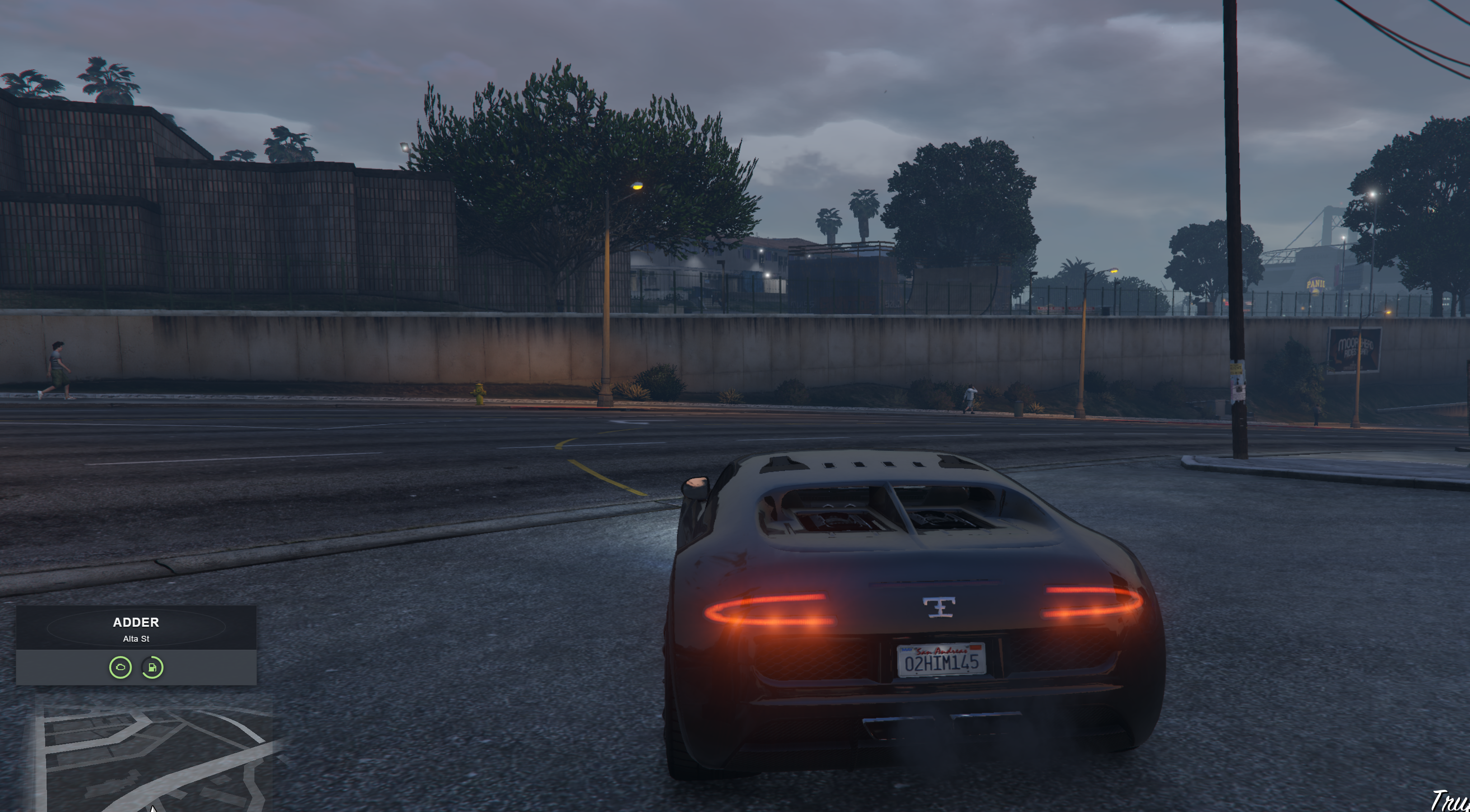
Get in a vehicle and the HUD shows the car name in bold, with the current street underneath. After a few seconds the name and location fade, leaving two circular gauges above the minimap: engine health on the left and fuel on the right. The layout stays readable in day and night, and it sits cleanly with the default GTA minimap.
Every script from The FiveM Shop is fully open source. There is no escrow, no hidden code, and no account required. Download the archive, drop it into your resources folder, and give your QBCore, Qbox, ESX, or standalone server a modern GTA 6 style vehicle HUD.
Features
- GTA 6 inspired FiveM car HUD above the minimap.
- Vehicle name and street location intro when you enter a car.
- Circular engine health gauge with warning and danger colors.
- Circular fuel gauge that reads native fuel or vehicle state bags.
- Auto-detects Qbox, QBCore, ESX, or standalone.
- Works for driver and passenger seats, with a config toggle.
- Hides outside vehicles and in the pause menu.
- Editable panel position, size, colors, and intro duration in config.lua.
- No speedometer clutter, so the HUD stays minimal and next-gen.
- Free open source files from The FiveM Shop with no hidden code.
Who this FiveM vehicle HUD is for
Searchers looking for a free FiveM car HUD, a GTA 6 UI for FiveM, or an open source QBCore and ESX vehicle HUD can use this resource as a drop-in replacement for older speedos. It is a good fit for roleplay servers that want a clean fuel HUD and engine status without covering the action.
Pair it with the GTA 6 inspired FiveM player HUD for health, stamina, hunger, and thirst, and the GTA 6 inspired FiveM fuel station if you also want world-space SERVICES prompts at gas pumps.
Compatibility
This FiveM car HUD works on Qbox, QBCore, ESX, and standalone servers. Fuel is read from Entity(vehicle).state.fuel when a fuel resource writes a state bag, otherwise it uses native GetVehicleFuelLevel. It is compatible with popular fuel scripts such as ox_fuel, LegacyFuel, ps-fuel, and cdn-fuel when those resources sync fuel to the vehicle.
Stop or hide any other car HUD, speedometer, or fuel display that occupies the same bottom-left space so the two UIs do not overlap. Test on a staging server first.
How to use
- Enter any vehicle as the driver, or as a passenger if that option is enabled.
- Read the vehicle name and street for about 3.2 seconds.
- Watch the intro fade into engine and fuel gauges above the minimap.
- Exit the vehicle to hide the HUD automatically.
- Open the pause menu to hide the HUD until you close it.
Install tutorial
- Download fivemshop-carhud.rar from this page. No login is required.
- Extract the archive on your PC or host.
- Copy the fivemshop-carhud folder into your FiveM
resourcesdirectory. Keep the folder name exactlyfivemshop-carhud. - Open
server.cfgand addensure fivemshop-carhudafter your framework resource. - Restart the server, or run
ensure fivemshop-carhudin the server console. - Join the server, enter a car, and confirm the name, street, engine, and fuel UI appear above the minimap.
- If another HUD is still visible, disable that resource and restart again.
config.lua options
- IntroDuration — how long the name and street stay on screen. Default is 3200 ms.
- HideOutsideVehicle — hide the HUD when you are on foot.
- ShowMinimapOutsideVehicle — keep or hide the radar after you exit.
- ShowInPassengerSeat — show the HUD for passengers as well as the driver.
- HideInPauseMenu — hide the HUD while the pause menu is open.
- Scale and Panel — size and position above the minimap.
- Colors — panel, text, accent, warning, and danger colors.
Download and watch
This GTA 6 inspired FiveM car HUD is free. Use the download button for the open source archive, or watch the preview on YouTube before installing it on your server.