Free open source FiveM admin menu.
A clean, draggable admin menu for quick FiveM roleplay server administration on QBCore, Qbox, and ESX.
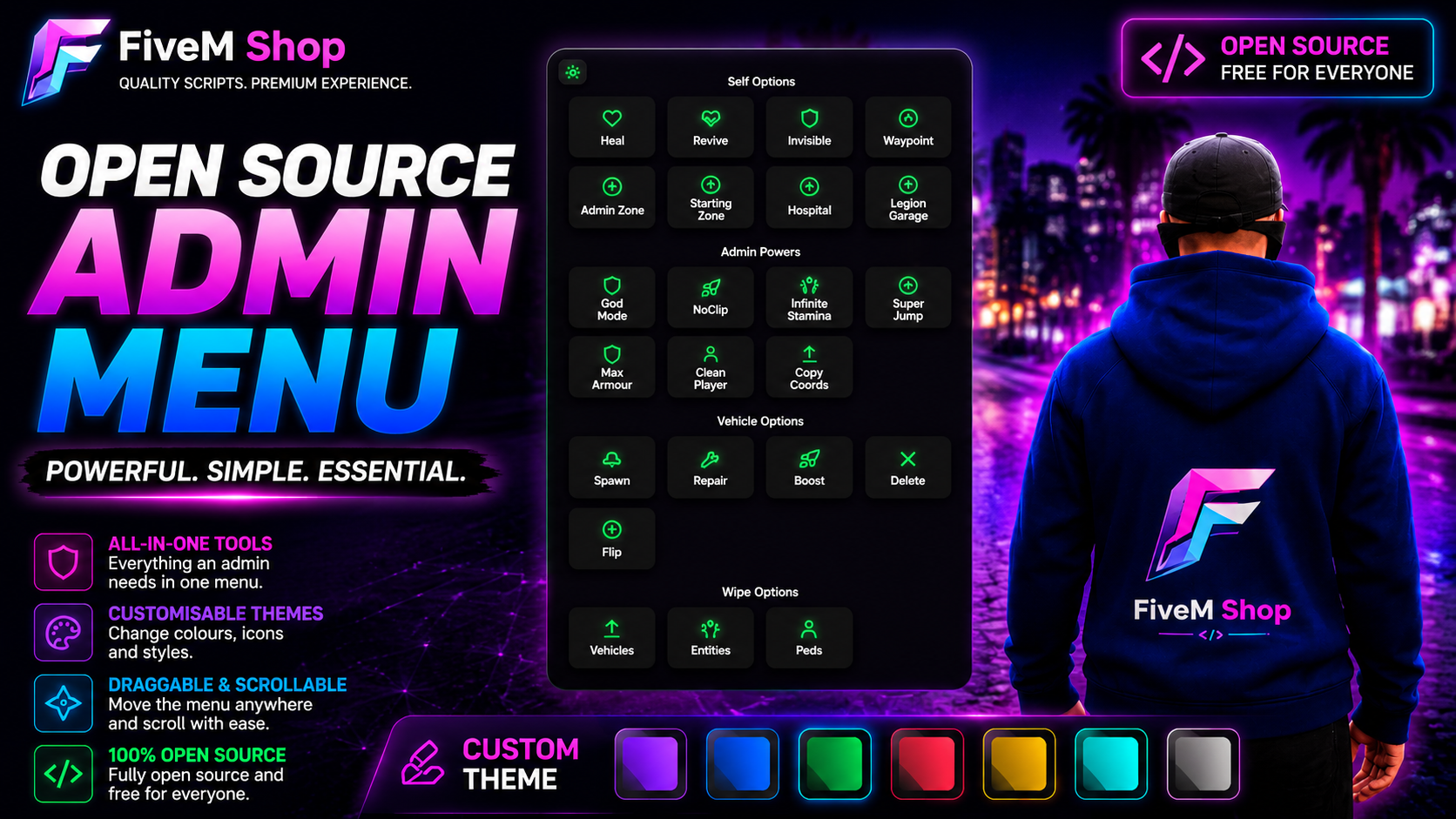
About this admin menu
This is a free custom admin menu for FiveM, built for quick and easy roleplay server administration. It gives staff a clean menu for everyday admin tasks instead of making them type commands for every small action.
The menu includes a draggable interface, custom theme settings, colour presets, personal admin tools, vehicle tools, teleport shortcuts, copy coords, and cleanup options for peds, vehicles, and entities.
It is a good fit for server owners and staff teams who want a simple, stylish admin tool that can be edited and configured for their own QBCore, Qbox, or ESX server.
Features
- Custom theme settings with colour presets.
- Fully draggable menu that can be moved around the screen.
- Heal, revive, god mode, invisibility, noclip, and super jump tools.
- Spawn, repair, boost, flip, and delete vehicle options.
- Teleport shortcuts and copy coords for staff and development use.
- Cleanup tools to wipe peds, vehicles, and entities.
- Simple config and admin permission setup.
- Open source files so server owners can inspect, edit, and customize the resource.
Compatibility
This admin menu is built for QBCore, Qbox, and ESX servers. Before using it on a live roleplay server, test it on a staging server, check your admin permission setup, and confirm it works with your current framework version and other staff tools.
Install notes
- Download the archive and review the files before uploading it to your server.
- Place the resource folder inside your FiveM server resources directory.
- Add the correct ensure line to your server.cfg file.
- Configure admin permissions and theme options before giving access to staff.
- Restart on a test server first and check for console errors.